
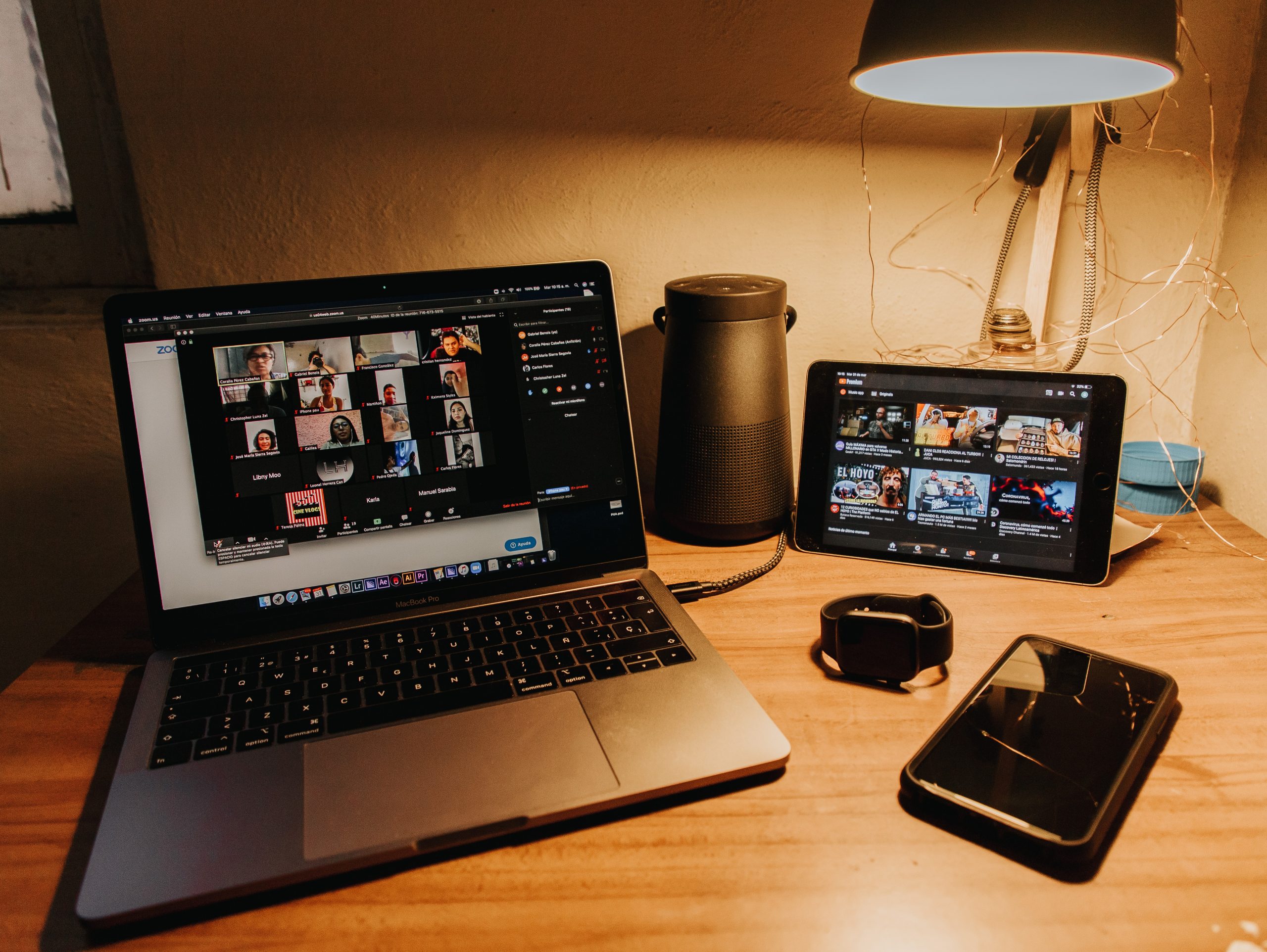

Virtual Facilitation is an emerging art that is becoming more and more relevant nowadays. Yes! The Virtual space is now the new normal and we all need to enhance our virtual skills to create programs that deliver transformative learning while maintaining focus, attention and of course fun!!
I would like to share with you some of my learnings from the last few months while delivering virtual facilitation programs.
8 Lessons Learned:
1 ) Be mindful of Virtual fatigue. Split the program into “Sprints” or units of Work. Every Sprint should be a max of 1,5- 2 hours. Keeping virtual focus is more difficult, plan for it!
2) Spend time creating the “Container”. When I say “the container”, I am referring to the space created between the facilitators and the group. Success will depend on how this container provides psychological safety, trust and connection for participants. Use different techniques to do this. For example, virtual constellations, icebreakers, zoom breakout rooms to share private information. Give participants a chance to connect between them as much as possible. This is not a waste of time, it will pay off later on the program.
3) Design the change interventions using a whole myriad of tools and techniques. Do not restrict yourself to only ask questions to provoke meaningful dialogue. I normally use a range of tools and techniques coming from:
– Liberating Structures ( liberatingstructures.com, 1-2-4-All, Troika Consulting, Conversational Café, Mad Tea ),
– Visualisation techniques
– Organisational Development Techniques ( Fishbowls, Kaleidoscope)
– Improv Theatre ( Yes and…. , Passing the ball around)
– Embodiment Practices (making body sculptures to express mood and transformation),
– Awareness Practices, etc
4) Stretch Technology (in my case Zoom) as much as possible to create the right interventions. Every intervention has to be carefully mapped into ZOOM to maintain the purpose and intention. I would recommend the following settings in zoom to create more than a just simple virtual meeting.
– Sharing photos/videos with music to provoke and set up the learning space
– Breakout rooms (this is where the magic happens)
– Annotation Panels
– Flag/Unflag Non Video participants depending on the intervention. For example for plenary discussion it is advisable to see every participant in the gallery. However, in a fishbowl, is more adequate to only see the people who are in the “hot seats”.
– Sharing Screen function together with the advanced option “side by side” so we can see the content of the presentation as well as the presenters.
– Set up the Waiting Room to control access to attendees
– In breakout rooms use broadcast message to communicate with participants
– Set up your co facilitators as “Co-Host”, so they can help you with the technical facilitation.
– Use the chat to communicate during the session
– Allow the function “file upload” in the chat to share instructions about the intervention
5) Assign a Technical Facilitator. It’s difficult to focus on the team dynamics if we are doing technical stuff at the same time.
6) Time flies in the Virtual space. Plan very very carefully your process, interventions and even words!! Every word is precious and has to be very intentional. No time for waffling or allowing off the track conversations.
7) Have fun! It’s not all about deep work or “aha” moments
8) Make formal the informal. I think is important to generate the space to relax, have fun, be bold etc, so the group can strength their connection and relationships. One thing that you can do is to organise a virtual Cocktail Parties to provoke an atmosphere of fun where people could connect.
I hope these lessons help you to create great learning and development environment in your next program! Do not hesitate to reach out if I can help you with anything else. I will be more than happy to connect with you.
Mario Villarejo
OD Senior Consultant, leadership development, executive coaching
Mario.villarejo@hikeod.com
0 Comments